Welcome to CandyDocs! The first step to launching your documentation portal is creating your admin account.
Step 1: Open the Signup Page
Visit the CandyDocs admin login page and click Sign up.
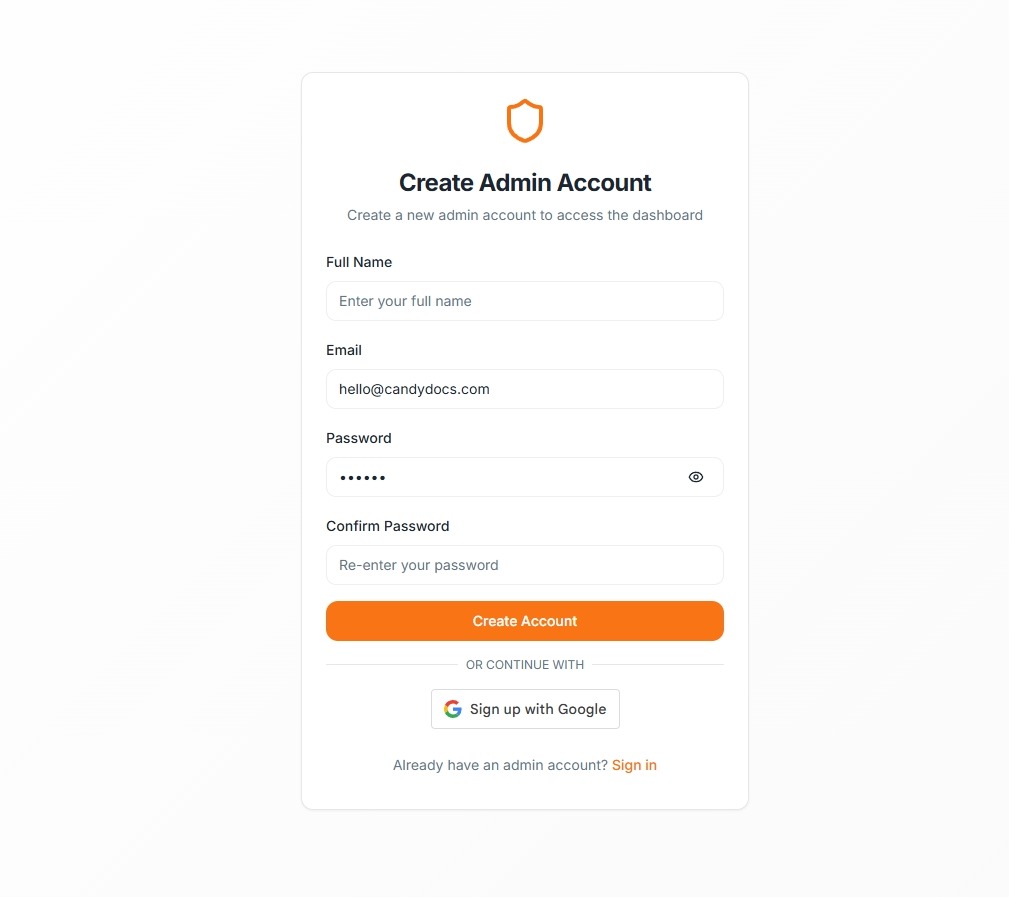
Step 2: Enter Your Details
Fill in the required information:
Full Name
Email Address
Password
Confirm Password
Alternatively, you can sign up using Google for faster access.
Step 3: Create Account
Click Create Account. Once registered, you will be redirected to your Admin Dashboard.
Already Have an Account?
If you already registered, click Sign in and enter your email and password.
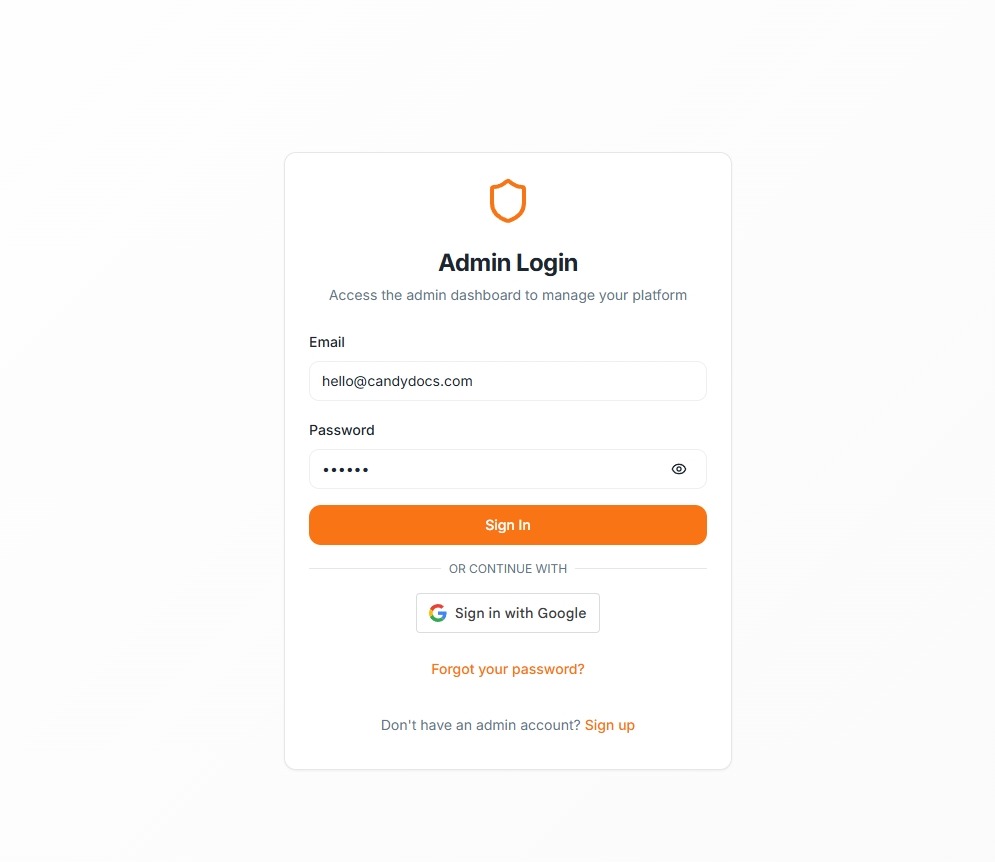
Forgot Password?
Use the Forgot your password? link to reset your credentials securely.
Once logged in, you’re ready to configure your workspace.